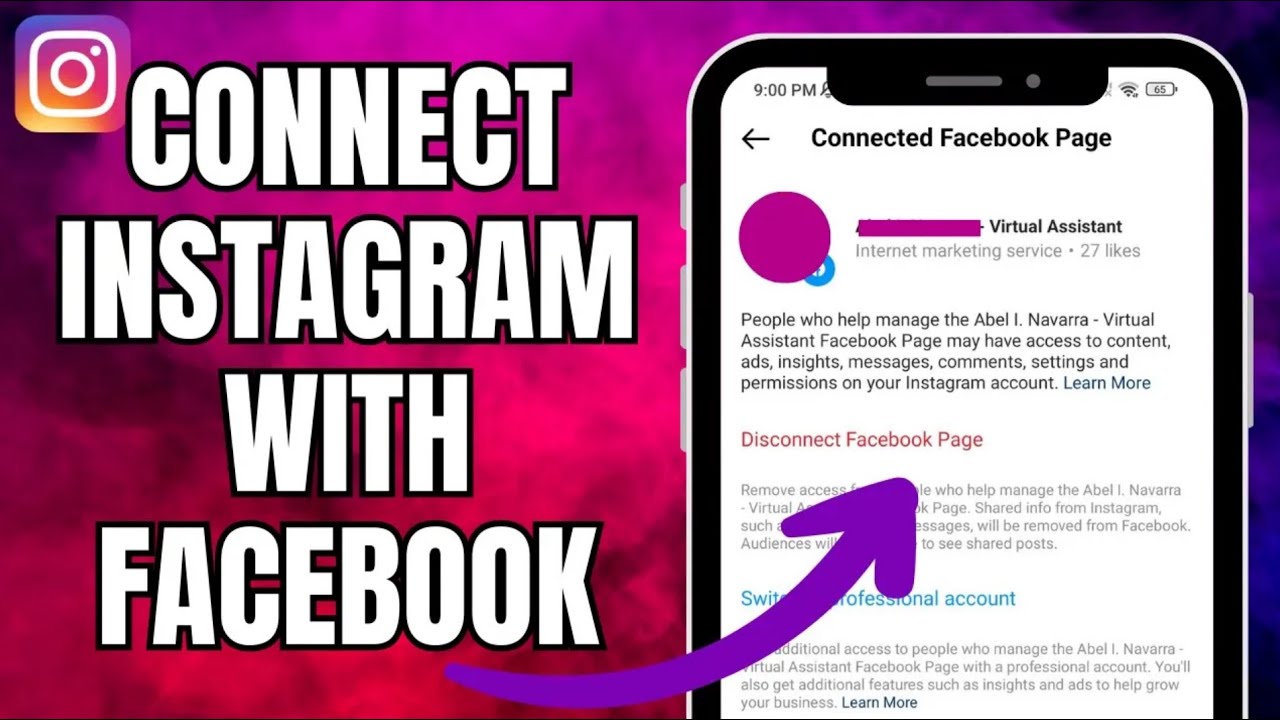
How to Connect Instagram With Facebook => Watch On YouTube
How to Easily Connect Your Instagram and Facebook Accounts
Ever wanted to seamlessly share your Instagram posts to Facebook or manage your profiles more efficiently? Connecting your Instagram and Facebook accounts is a straightforward process that unlocks a lot of convenience. Here’s a quick guide to get them linked up in no time!
Let’s get started:
- First things first, open up your Instagram app.
- Tap on your profile icon in the bottom right corner of your screen.
- Next, hit the three horizontal lines (sometimes called a ‘hamburger menu’) in the top right corner. This will open up your menu.
- From that menu, select "Settings and Privacy."
- At the very top of the "Settings and Privacy" page, you’ll see "Account Center." Tap on that.
- Within the Meta Account Center, look for "Connected Experiences" and tap it.
- Now, you’ll see an option to "Add Accounts." It’s usually a blue-colored text. Go ahead and tap that.
- Select the Facebook account you wish to connect from the list provided.
- To enable these connected experiences, the system will prompt you to add these accounts to the same account center. Just tap the "Continue" button at the bottom.
- Finally, you’ll see a prompt to "Finish adding your accounts." Confirm by tapping "Yes, finish adding."
Give it just a moment or two, and presto! Your Instagram account will now be successfully linked with your Facebook profile.
And there you have it! Your Instagram and Facebook accounts are now connected, making cross-posting and management a breeze. Enjoy the seamless integration!