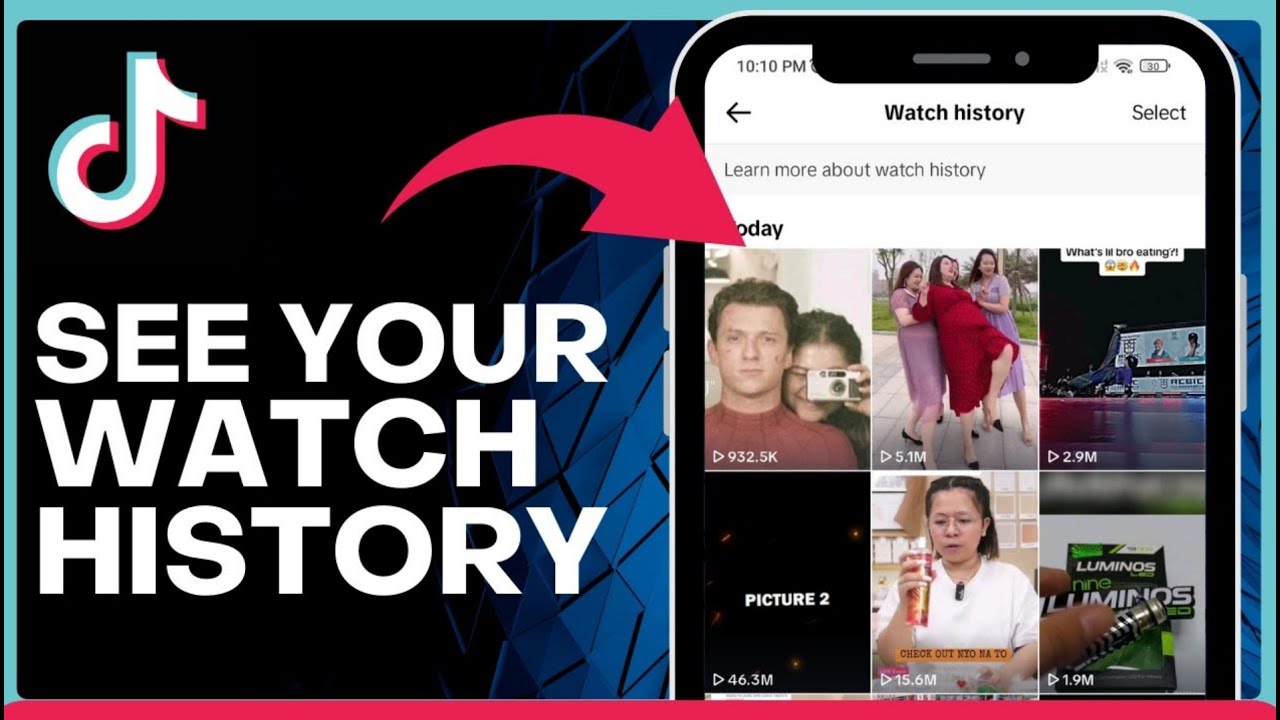
How To See Your Watch History on Tiktok 2025 => Watch On YouTube
Never Lose a TikTok Again: How to Easily Find Your Watch History!
Ever scrolled past a hilarious clip, an amazing recipe, or an informative tutorial on TikTok and then instantly regretted not saving it? We’ve all been there! Good news, TikTok actually keeps a log of your watched videos, and finding it is super easy. In this quick guide, we’ll show you exactly how to access your watch history on the TikTok app, so you can revisit all your favorite content without the frantic search.
Let’s dive in!
Step 1: Keep Your App Updated
First things first, make sure your TikTok app is running the latest version. Head over to the Google Play Store (or Apple App Store if you’re on iOS) and search for TikTok. If an "Update" button appears, go ahead and tap it to get the newest features and ensure everything works smoothly.
Step 2: Launch TikTok
Once your app is updated, open it up. Feel free to scroll through a few videos if you like – just to make sure you have some recent watch history to check!
Step 3: Head to Your Profile
Look to the bottom right corner of your screen and tap on the "Profile" icon. It usually looks like a small person’s silhouette.
Step 4: Access Settings and Privacy
Now, in the top right corner of your profile page, you’ll see three horizontal lines (sometimes referred to as a "hamburger menu"). Tap on those lines, and a menu will pop up. From there, select "Settings and Privacy."
Step 5: Navigate to Activity Center
Within the "Settings and Privacy" menu, scroll down a bit until you find "Activity Center" and tap on it. This is where TikTok keeps track of various interactions you have with the app.
Step 6: View Your Watch History
On the next screen, you’ll see an option clearly labeled "Watch History." Give that a tap, and voilà! You’ll be presented with a list of all the videos you’ve recently watched on your TikTok account.
That’s It!
And just like that, you’ve unlocked your TikTok watch history! No more frantically searching for that one video you loved. We hope this quick guide was super helpful. If it was, please give this article a thumbs up, and consider subscribing to our channel for more quick tech tips. Don’t forget to hit that notification bell so you don’t miss our next helpful video!