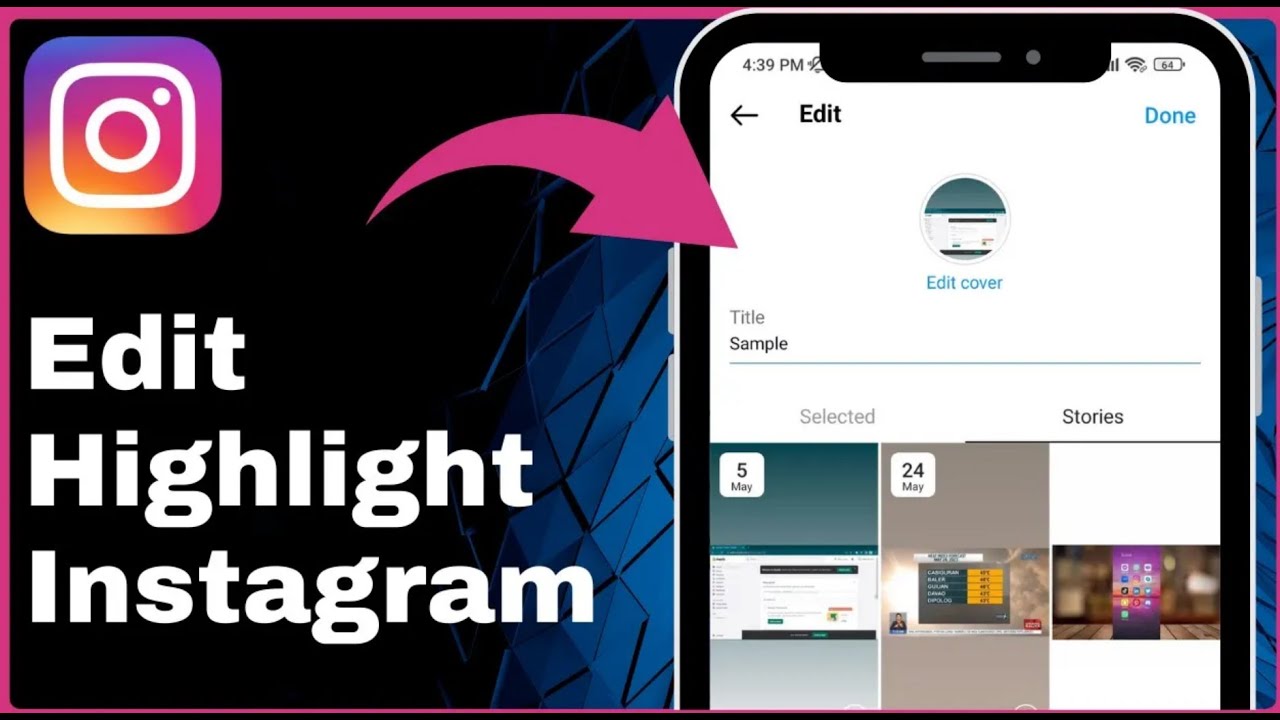
How to Edit a Highlight on Instagram Easy Way => Watch On YouTube
Here’s how to create an article from the YouTube video transcript, in a US audience accent:
How to Edit an Instagram Highlight: A Quick Guide
Ever wanted to refresh an old Instagram highlight or make some tweaks? It’s super easy! This guide will walk you through editing an existing highlight on your Instagram profile, from changing its content to updating its title and cover.
Let’s dive right in!
Step-by-Step Instructions:
- Open Instagram: First things first, launch the Instagram app on your device.
- Go to Your Profile: Tap the profile icon located in the bottom right corner of your screen.
- Find Your Highlights: On your profile page, you’ll see your highlights prominently displayed right below your bio.
- Initiate Editing: To edit a highlight, simply tap and hold the highlight you want to modify. A small menu will pop up.
- Select "Edit Highlight": From the options that appear, tap on "Edit Highlight."
- Manage Highlight Content (Stories):
- You’ll land on a page with two tabs: "Selected" and "Stories" (or "Archive").
- Under the "Selected" tab, you’ll see all the stories currently in your highlight. To remove a story, just uncheck its box.
- Go to the "Stories" or "Archive" tab. Here, you can browse your past stories. Tap to select any new stories you want to add to this highlight.
- Change the Title: At the top of the page, you’ll see the current title. Tap on it and type in your new desired title (e.g., "Sample").
- Update the Cover: Look for the "Edit Cover" option. Tap it to choose a new cover image for your highlight, either from the stories within the highlight or from your camera roll.
- Save Your Changes: Once you’re happy with all your edits, tap "Done" in the top right corner.
- Confirm: Tap "Done" again in the top right corner to finalize everything. You’ll see a brief "Highlight Updated" notification confirming your changes.
And just like that, your Instagram highlight is fresh and updated!