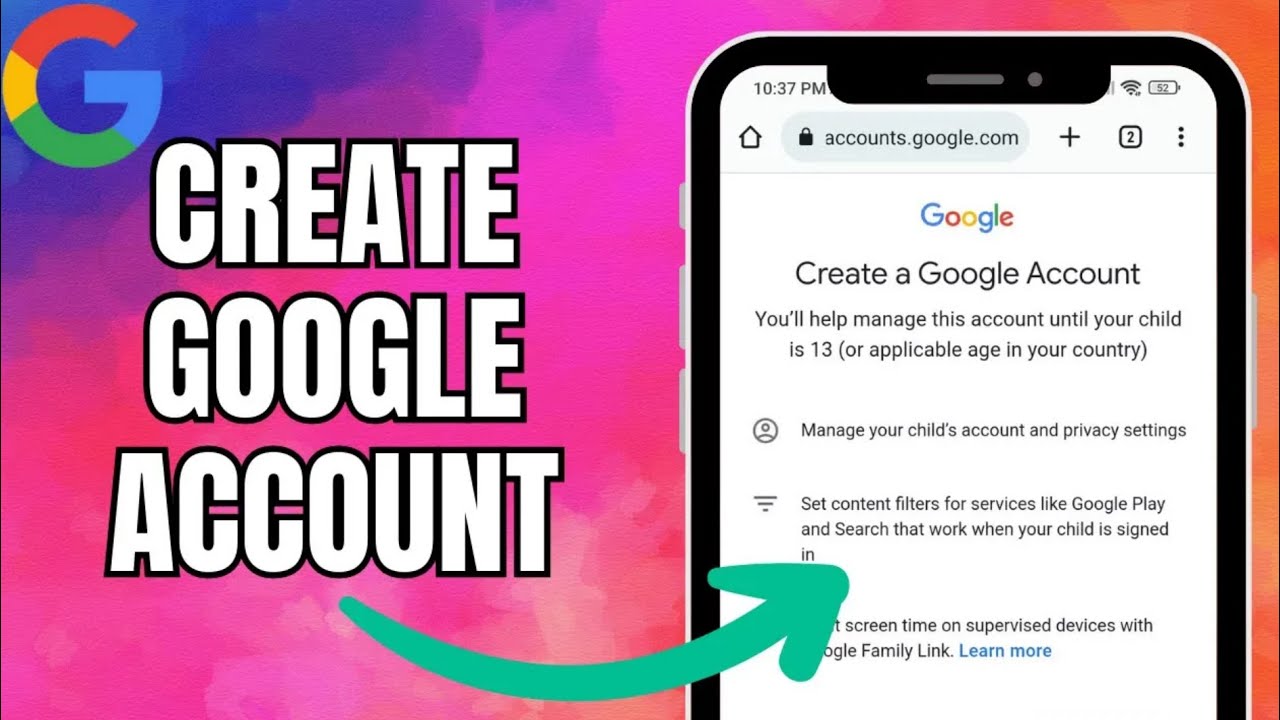
How to Create Google Account EASY => Watch On YouTube
Fast Fix: Creating Your Google Account – A Quick Guide!
Hey there, folks! Ever needed a Google account but weren’t sure where to start? Good news! Our latest Fast Fix is all about walking you through the super simple steps to get your very own Google account up and running. Let’s dive in!
First things first, you’ll want to open up your Google Chrome browser. Once you’re there, head on over to google.com.
Look up in the top right corner of your screen for the "Sign in" button. Go ahead and tap that "Sign in" button.
Now, you’ll see an option at the bottom left that says "Create account." Give that a click. Google will then ask you to choose an option; for most of us, picking "For my personal use" is the way to go.
Alright, time to fill in some basics! You’ll now be prompted to enter your first name and last name. Then, it’s time to pick your username – this will be part of your new Gmail address. Finally, create a strong password. Once all that’s entered, hit "Next."
Next up is security – you’ll need to put in your phone number. This helps Google verify you’re a real person and keeps your account secure. Follow the prompts to get your phone number verified.
After verification, you’ll complete a few more details. Enter your birthday and select your gender. When you’re done, tap "Next." You might see some optional information; you can generally skip this if you prefer.
Almost there! Now, you’ll see Google’s Privacy and Terms. It’s always a good idea to give these a read, then, if you’re comfortable, simply tap on "I agree."
And just like that – voilà! You’ve officially got your brand-new Google account!
We hope this Fast Fix helped you out. If you found this guide useful, don’t forget to hit that like button, subscribe to our channel for more quick tips, and ring the bell icon so you’re always in the loop for our next video!