Skip to content
fasttechfix.com
fasttechfix.com
  • Home

fasttechfix.com

  • Home
Home / Uncategorized / How to Add...
Uncategorized

How to Add WhatsApp Link in Facebook Profile (Easy)

fasttechfixteams@gmail.com March 30, 2026


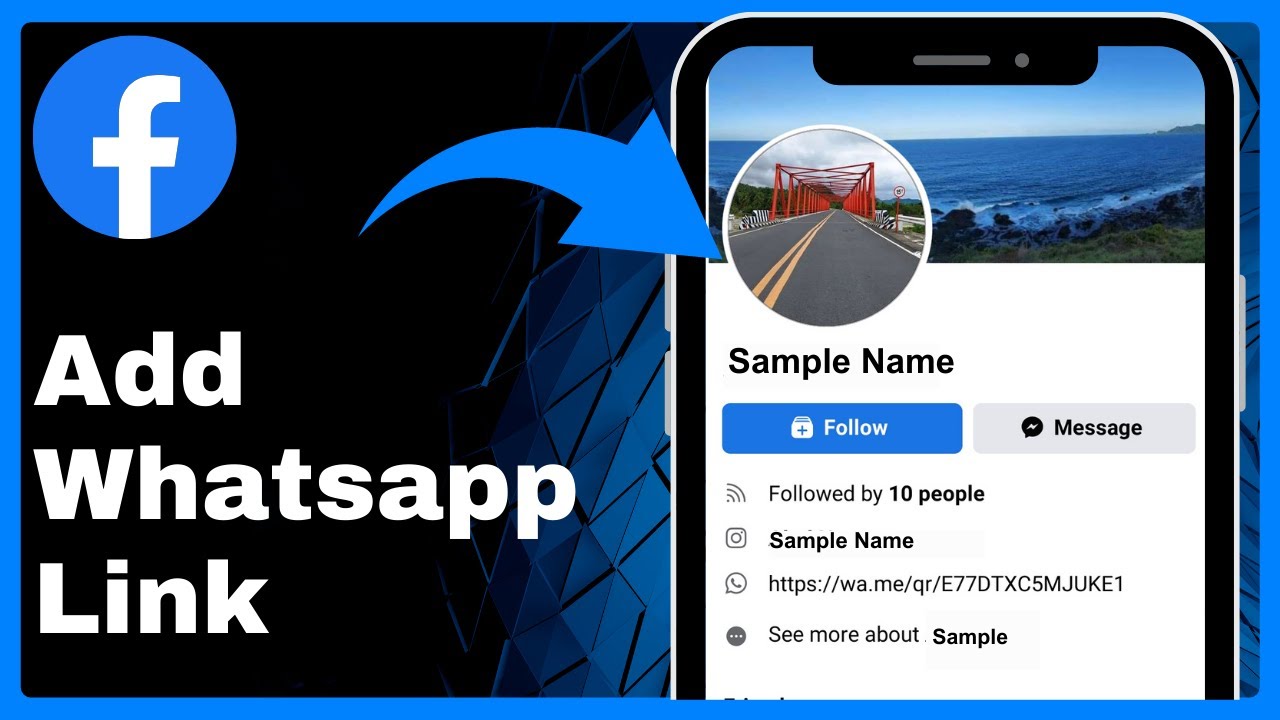
How to Add WhatsApp Link in Facebook Profile (Easy) => Watch On YouTube

How to Add Your WhatsApp Link to Your Facebook Profile

Want to make it easier for people to connect with you on WhatsApp directly from your Facebook profile? Adding your WhatsApp link is a straightforward process that can enhance your connectivity. This guide will walk you through the steps to add your WhatsApp link, allowing friends, family, or potential customers to reach you with just a tap.

Here’s how to do it:

  1. Open the Facebook App: Launch the Facebook application on your mobile device.
  2. Access the Menu: Tap the three-line menu icon (often called the "hamburger menu") located in the top-right corner of your screen.
  3. Go to Your Profile: On the next screen, tap your profile picture and name at the very top to navigate to your main profile page.
  4. Tap "Edit Profile": On your profile page, locate and tap the "Edit Profile" button.
  5. Scroll to "Edit Your About Info": Scroll down this section until you find and tap "Edit Your About Info."
  6. Edit Contact Info: Find the "Contact Info" section and tap the "Edit" button located next to it.
  7. Add a Social Link: You’ll now be on a detailed "Edit Profile" page. Scroll down to the "Social Links" section and tap "Add Social Link."
  8. Select WhatsApp and Enter Details:
    • A dropdown menu will appear. Select "WhatsApp" from the list of social platforms.
    • In the field provided, enter your WhatsApp link (e.g., wa.me/yourphonenumber) or simply your phone number associated with WhatsApp.
  9. Save Your Changes: Don’t forget to tap "Save" (usually found at the bottom or top right) to apply your new link to your profile.

Verify Your Link:
After saving, you can navigate back to your main profile page. Tap "See Your About Info," and you should now see your WhatsApp link proudly displayed, ready for others to use for direct messaging!

Facebook X.com LinkedIn Instagram Pinterest More

Share this content

Social Media

Facebook X.com Reddit Tumblr Snapchat VKontakte Odnoklassniki Weibo QQ Douban Baidu Digg StumbleUpon Flipboard Mix

Professional

LinkedIn Slack Zoom XING Behance Dribbble

Messaging

WhatsApp Telegram Microsoft Teams Messenger Viber Line WeChat SMS Kik Threema Signal

Visual

Pinterest Instagram

Communication

Email

Bookmarking

Pocket Evernote Instapaper

Developer

GitHub GitLab Stack Overflow Dev.to Hacker News

Gaming

Discord Twitch

Video

YouTube TikTok

Publishing

Medium WordPress Blogger

Entertainment

Spotify SoundCloud

Academic

Mendeley ResearchGate Academia

Finance

Coinbase

Shopping

Amazon eBay Etsy

Lifestyle

Foursquare Yelp

Utility

Copy Link Print QR Code
#how to add social media link in facebook
#how to add whatsapp button on facebook
#how to add whatsapp button on facebook page
#how to add whatsapp button on facebook profile
#how to add whatsapp in facebook account
#how to add whatsapp link in facebook
#how to connect whatsapp to facebook page
#how to create whatsapp link
#how to link whatsapp to facebook page
#how to link whatsapp with facebook page
#link whatsapp to facebook page
#whatsapp link to facebook

Post navigation

Previous: How to Install Windows 11 New Run Box App
Next: How to REMOVE Profile Picture on Facebook

Recent Posts

  • How to Buy PEPE Coin on Binance 2024 | Buy or Sell PEPE Coin in Binance
  • How To Use Coins On Aliexpress (Step By Step Tutorial)
  • How To Delete Discord Account 2025
  • The Ultimate Guide: How to Create DISCORD Account on MOBILE in 2024
  • How to Connect TikTok to Facebook 2025

Recent Comments

No comments to show.

Archives

  • April 2026
  • March 2026

Categories

  • Uncategorized
© 2026 fasttechfix.com. All Rights Reserved. | Blog Build by Wp Theme Space.
Facebook X.com LinkedIn Instagram Pinterest

Share this content

Social Media

Facebook X.com Reddit Tumblr Snapchat VKontakte Odnoklassniki Weibo QQ Douban Baidu Digg StumbleUpon Flipboard Mix

Professional

LinkedIn Slack Zoom XING Behance Dribbble

Messaging

WhatsApp Telegram Microsoft Teams Messenger Viber Line WeChat SMS Kik Threema Signal

Visual

Pinterest Instagram

Communication

Email

Bookmarking

Pocket Evernote Instapaper

Developer

GitHub GitLab Stack Overflow Dev.to Hacker News

Gaming

Discord Twitch

Video

YouTube TikTok

Publishing

Medium WordPress Blogger

Entertainment

Spotify SoundCloud

Academic

Mendeley ResearchGate Academia

Finance

Coinbase

Shopping

Amazon eBay Etsy

Lifestyle

Foursquare Yelp

Utility

Copy Link Print QR Code