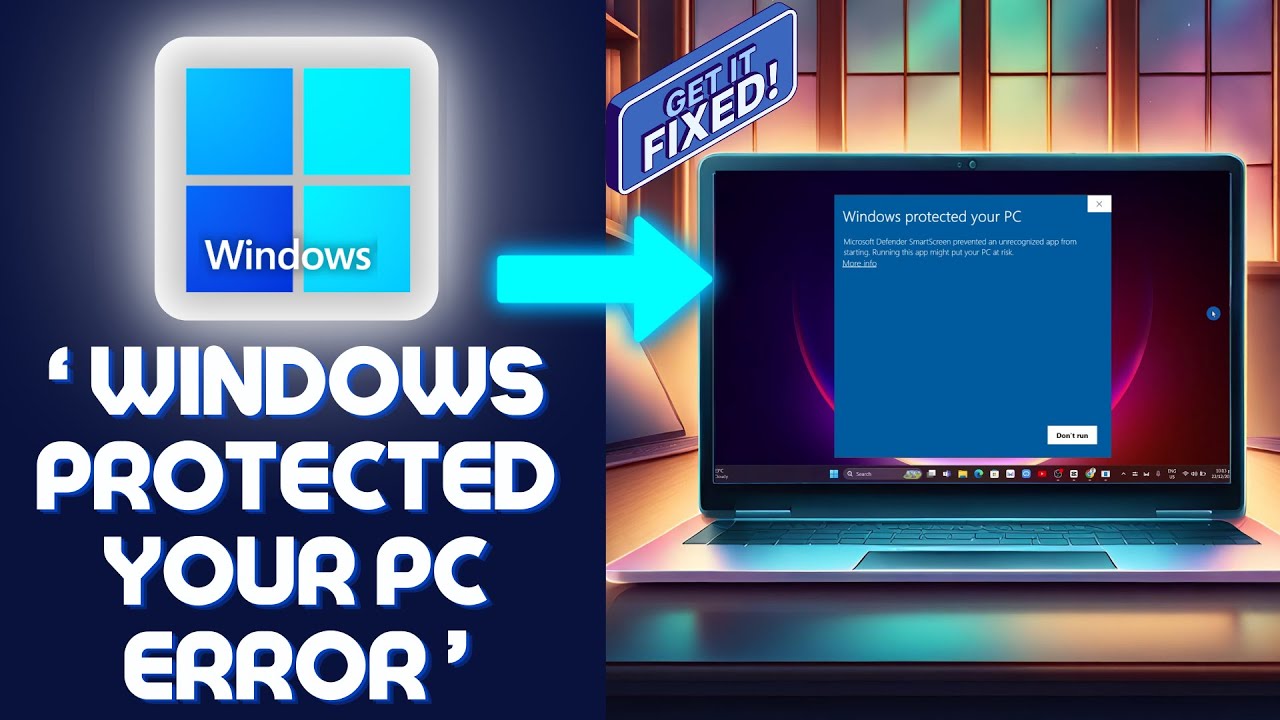
[FIXED] Windows protected Your PC Error | Windows Defender Smartscreen => Watch On YouTube
How to Fix "Windows Protected Your PC" SmartScreen Warnings
Hey guys, ever run into that annoying "Windows protected your PC" message? You know, the one where Windows Defender SmartScreen prevents an unrecognized app from starting, warning that running it might put your PC at risk? Don’t sweat it, we’re gonna show you a quick fix for that.
Here’s a straightforward guide to get your app running:
-
Open Windows Security:
- Head down to your Windows search bar at the bottom of your screen.
- Type "Windows security" and then open up the system app when it appears.
-
Adjust Virus & Threat Protection Settings:
- Once you’re in the Windows Security app, click on "Virus & threat protection."
- Under "Virus & threat protection settings," you’ll see "Manage settings" – go ahead and click that.
- Now, you’re gonna want to temporarily disable all the options you see here, from "Real-time protection" all the way down. Just toggle ’em all off for now.
- Next, scroll down to "Control folder access." Click on "Manage Control folder access."
- Here, make sure that "Control folder access" itself is enabled or turned on.
- Tweak App & Browser Control:
- Go back to the main Windows Security menu.
- This time, select "App & browser control."
- Under "Reputation-based protection," click on "Reputation-based protection settings."
- Just like before, disable or toggle off all the options you find here, especially "SmartScreen for Microsoft Edge," "Potentially unwanted app blocking," and any other SmartScreen features.
And that’s it! Once you’ve made these changes, your issue should be fixed, and you should be able to run your app without Windows getting in the way.
If you found this video helpful, please consider giving us a like and subscribing to the channel. Don’t forget to hit that notification bell so you don’t miss out on our next fix!