Skip to content
fasttechfix.com
fasttechfix.com
  • Home

fasttechfix.com

  • Home
Home / Uncategorized / ✅ How to...
Uncategorized

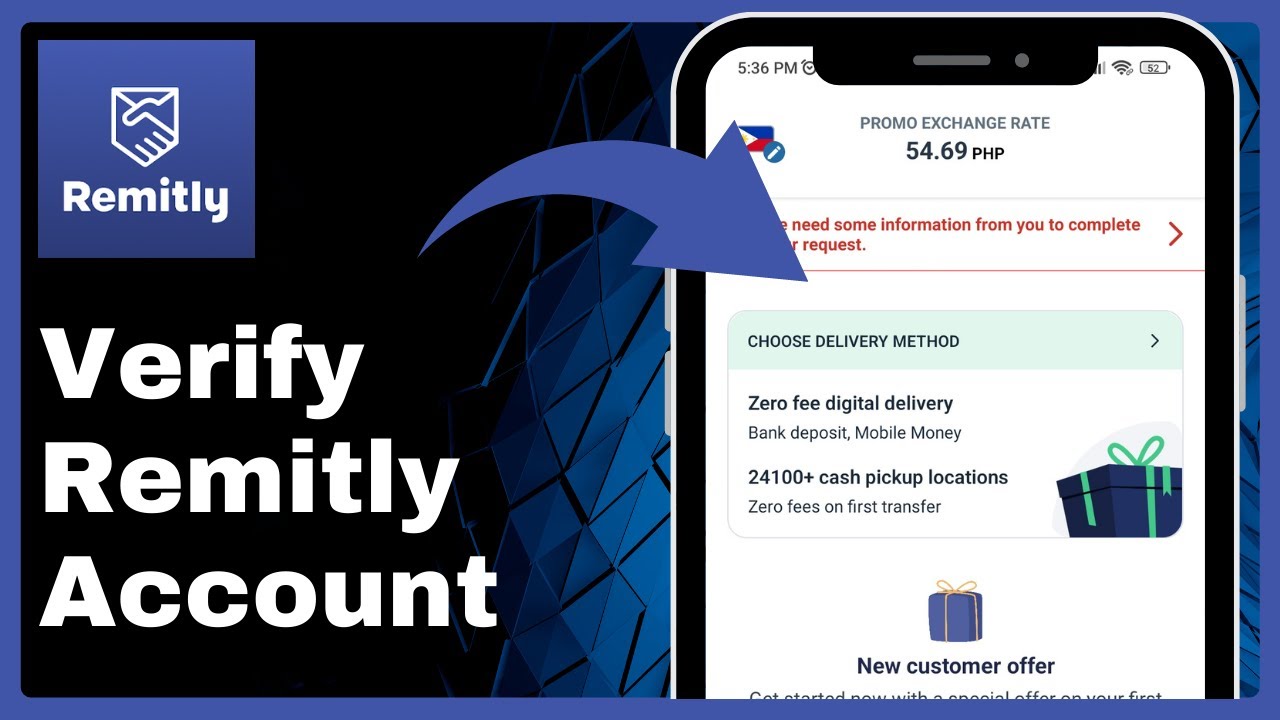
✅ How to Verify Remitly Account

fasttechfixteams@gmail.com April 12, 2026


✅ How to Verify Remitly Account => Watch On YouTube

Here’s an article based on the transcript, tailored for a US audience:


Boost Your Remitly Limits: It’s Not About "Verification," It’s About Tiers!

Hey Remitly users! If you’re looking to send more money and unlock additional features, you might be wondering how to "verify" your account. But here’s a little secret: unlike some other financial apps where you need to go through a traditional verification process to raise your sending limits, Remitly actually uses a different system.

Instead of a "verification" button, Remitly offers a simple tier upgrade process. This means you don’t necessarily have to jump through verification hoops just to increase how much you can send. You can simply upgrade your account tier to enjoy higher limits and access more perks.

How to Upgrade Your Remitly Limits

Getting started is a breeze. Just follow these quick steps:

  1. Open your Remitly app.
  2. Tap on "My Remitly" located at the bottom right corner of your screen.
  3. From there, you’ll see an option to "Increase Limits." Go ahead and tap that!

This is where you’ll find the information about the different tiers and what each one offers.

Understanding Remitly’s Tier System

Remitly’s tier system is designed to give you flexibility based on your sending needs. Each tier comes with different transaction limits over various timeframes:

  • Tier 1: This is the basic tier. You can typically send up to $2,999 within 24 hours, up to $10,000 within 30 days, and up to $18,000 within 180 days.
  • Tier 2: Ready for higher limits? With Tier 2, your sending capacity significantly increases. You can send up to $6,000 within 24 hours and up to $20,000 within 30 days.
  • Tier 3: For those who need to send even larger amounts, Tier 3 is the way to go. This top tier allows you to send up to $10,000 within 24 hours.

Keep in mind that these limits are subject to change, so always check the latest information within your app.

Applying for a Higher Tier

To move up to a higher tier, like Tier 2 or Tier 3, you’ll need to provide some additional information. Think of this as Remitly getting to know you a little better, which helps them ensure security and compliance.

When you tap "Apply for Tier [Number]," you’ll typically be asked to complete details such as:

  • Your contact information
  • Your sender address
  • Security-related details

Filling out these details completely and accurately is essentially how you "verify" your information with Remitly to unlock those higher sending limits.

So, there you have it! Boosting your sending limits on Remitly isn’t about finding a "verify account" button, it’s about upgrading your tier. It’s a straightforward process that helps you get more out of your Remitly experience. Happy sending!

Facebook X.com LinkedIn Instagram Pinterest More

Share this content

Social Media

Facebook X.com Reddit Tumblr Snapchat VKontakte Odnoklassniki Weibo QQ Douban Baidu Digg StumbleUpon Flipboard Mix

Professional

LinkedIn Slack Zoom XING Behance Dribbble

Messaging

WhatsApp Telegram Microsoft Teams Messenger Viber Line WeChat SMS Kik Threema Signal

Visual

Pinterest Instagram

Communication

Email

Bookmarking

Pocket Evernote Instapaper

Developer

GitHub GitLab Stack Overflow Dev.to Hacker News

Gaming

Discord Twitch

Video

YouTube TikTok

Publishing

Medium WordPress Blogger

Entertainment

Spotify SoundCloud

Academic

Mendeley ResearchGate Academia

Finance

Coinbase

Shopping

Amazon eBay Etsy

Lifestyle

Foursquare Yelp

Utility

Copy Link Print QR Code
#how remitly works
#how to create remitly account
#how to receive money on remitly
#how to register remitly
#how to send money through remitly
#how to send money via remitly
#how to setup remitly
#how to sign up remitly
#how to transfer money in remitly
#how to use remitly
#how to use remitly app
#how to use remitly to send money
#how to verify remitly account
#remitly
#remitly app
#remitly money transfer
#remitly review
#remitly tutorial

Post navigation

Previous: How to Archive a Story on Instagram Without Waiting 24 Hours!
Next: How To Verify Account On Wise 2025

Recent Posts

  • How To Fix Discord Server Link Invalid or Expired Issue on Android (Easy Method)
  • How to Delete Purchase History on Shopee (Quick & Easy)
  • How to Share Tiktok Video on Facebook Story (Quick & Easy)
  • ROBLOX Error Code 268 Solution (FIXED)
  • How to Buy Gems in BRAWL STARS with Paysafecard 2024 (Best Method)

Recent Comments

No comments to show.

Archives

  • April 2026
  • March 2026

Categories

  • Uncategorized
© 2026 fasttechfix.com. All Rights Reserved. | Blog Build by Wp Theme Space.
Facebook X.com LinkedIn Instagram Pinterest

Share this content

Social Media

Facebook X.com Reddit Tumblr Snapchat VKontakte Odnoklassniki Weibo QQ Douban Baidu Digg StumbleUpon Flipboard Mix

Professional

LinkedIn Slack Zoom XING Behance Dribbble

Messaging

WhatsApp Telegram Microsoft Teams Messenger Viber Line WeChat SMS Kik Threema Signal

Visual

Pinterest Instagram

Communication

Email

Bookmarking

Pocket Evernote Instapaper

Developer

GitHub GitLab Stack Overflow Dev.to Hacker News

Gaming

Discord Twitch

Video

YouTube TikTok

Publishing

Medium WordPress Blogger

Entertainment

Spotify SoundCloud

Academic

Mendeley ResearchGate Academia

Finance

Coinbase

Shopping

Amazon eBay Etsy

Lifestyle

Foursquare Yelp

Utility

Copy Link Print QR Code