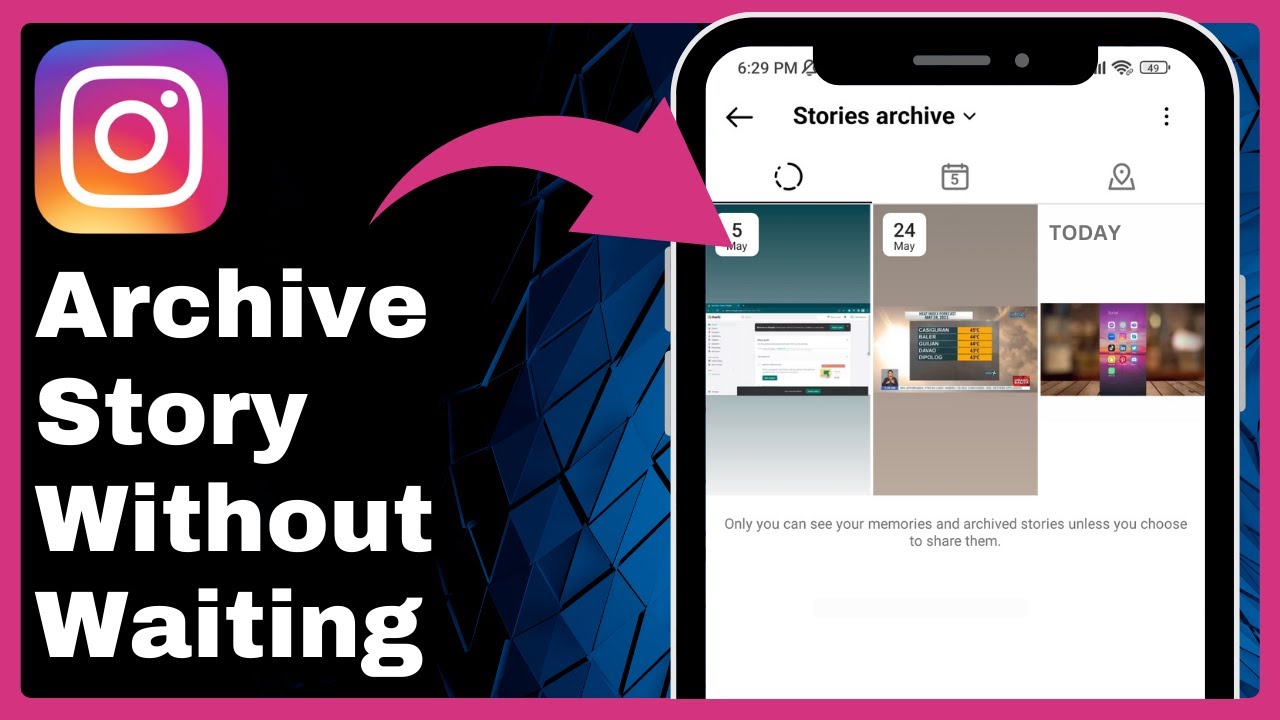
How to Archive a Story on Instagram Without Waiting 24 Hours! => Watch On YouTube
Here’s an article based on the transcript, adapted for a US audience:
Instagram Story Control: Hiding Your Stories and Understanding the Archive Process
Ever wish you could manage your Instagram stories before that 24-hour clock runs out? While Instagram doesn’t offer a direct "archive now" button for active stories, there are ways to control who sees your content in the moment. Let’s walk through how to post a story and then adjust its visibility.
Step 1: Create and Post Your Story
First things first, you need a story!
- Open your Instagram app.
- Tap the plus icon (usually at the bottom or top of your screen, depending on your app version) and select "Story."
- Choose a picture or video from your gallery.
- Once you’re happy with your story, tap the Share button to post it.
- Head back to your homepage, and you’ll see your new story active.
Step 2: Adjusting Your Story’s Visibility
Since there isn’t a simple "archive" button for active stories, we’ll use story settings to manage who can see it. This gives you immediate control, effectively "hiding" the story from unwanted viewers.
- While viewing your active story, tap the three dots (usually "More" or "…") at the bottom right.
- Select "Story settings."
Within the Story settings, you’ll find a couple of options:
- Allow Sharing to Story: You can disable this option if you don’t want others to be able to re-share your story to their own. This doesn’t hide it from viewing, but it stops sharing.
- Hide Story From: This is where you can truly control visibility.
- Tap on "Hide Story From."
- Here, you can select specific accounts you want to prevent from seeing your story.
- While this isn’t the same as archiving, it functions similarly in the short term by making your story invisible to chosen individuals. This gives you immediate control over who can view your content.
Understanding the Instagram Archive
It’s important to remember that Instagram stories are automatically moved to your personal archive after 24 hours. The "Hide Story From" feature is a way to manage who sees your story until it naturally expires and moves into that archive. So, while you can hide it from everyone (or specific people) instantly, you’ll still need to wait the full 24 hours for it to officially appear in your story archive.
We hope this helps you take more control over your Instagram stories! If you found this useful, please consider giving this video a like and subscribing to our channel for more tips. See you in the next one!