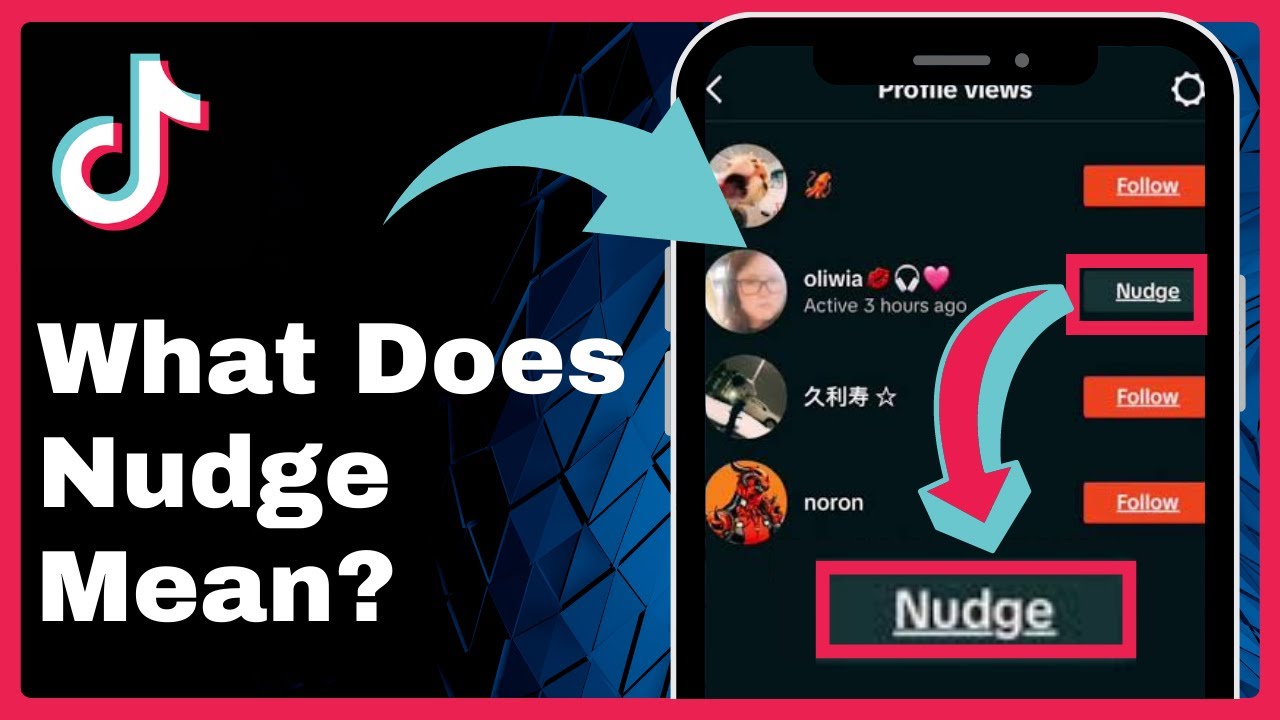
What Does NUDGE Mean on TikTok? (Explained) => Watch On YouTube
What Does "Nudge" Mean on TikTok? Everything You Need to Know
Hey guys! Ever wondered what that "Nudge" feature on TikTok is all about? You’re not alone! This feature has actually been around since 2022, but it hasn’t quite taken off as expected, leaving many users scratching their heads about its purpose and how to even use it. Today, we’re breaking down everything you need to know about Nudge.
What is the TikTok "Nudge" Feature?
Simply put, the "Nudge" feature on TikTok is designed to help you connect with your favorite content creators in a new way. It lets you send a notification to a specific creator, essentially telling them, "Hey, I’d love to see you go live!" This way, you can watch their content in real-time.
There’s also a reciprocal element: if someone nudges you, they’ll then have access to your live updates from your account. It’s a way to foster more real-time interaction on the platform.
Is Nudge Available to Everyone?
Before we dive into how to use it, it’s important to remember that the Nudge feature is reportedly still in a trial phase. This means it’s not universally available yet, so don’t be surprised if you can’t find it on your account right now. TikTok is still experimenting with it!
How to Nudge a Creator on TikTok
Want to "nudge" a creator to go live? Here’s how you’d typically do it:
- Visit Their Profile: Go to the profile of the content creator you want to nudge.
- Follow Them: You’ll need to be following the creator first.
- Tap the Bell Icon: Look for a small bell icon, usually located in the top right corner of their profile screen.
- Adjust Live Notification Settings: Tapping the bell icon will open up their "Live notification settings." Within these settings, you should find a specific button or option that allows you to "nudge" that creator.
While the specific "Nudge" button might not be visible to everyone right now due to the trial phase, this is where you’d generally expect to find it.
How to Disable Nudging (for Creators)
If you’re a creator and don’t want to receive nudges, you can typically disable the feature:
- Go to Creator Tools: From your main profile, tap the three lines (or hamburger menu) in the top right corner of your screen.
- Select "Creator Tools": Tap on this option to access your creator settings.
- Find the Nudge Option: Within "Creator Tools," you should be able to locate an option related to "Nudge." The page will likely have a toggle labeled "Allow viewers to nudge you," which you can switch "on" or "off" based on your preference.
Keep in mind, as this feature is still rolling out, you might not see this option yet if it hasn’t become available to you.
Wrapping Up
So there you have it – the Nudge feature on TikTok is designed to bridge the gap between creators and their audience, encouraging more live interactions. While it’s still finding its footing and not fully available to everyone, it’ll be interesting to see how it evolves on the platform.