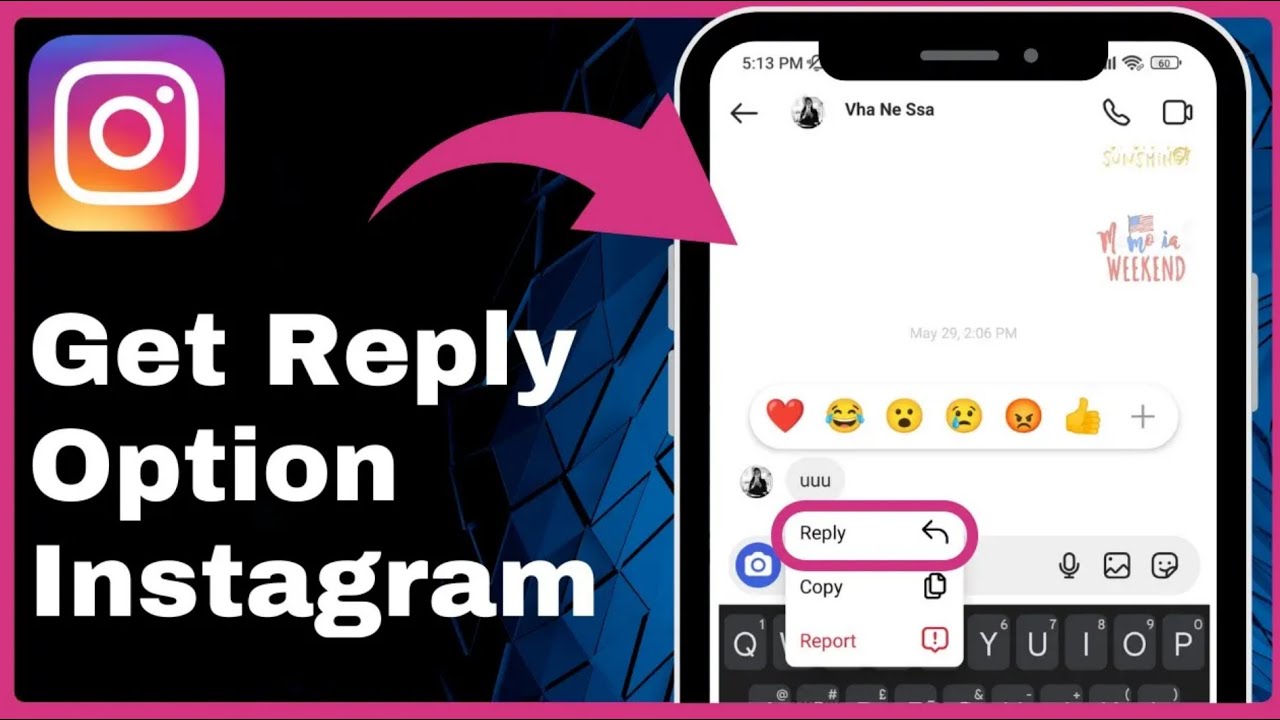
How To Get The Reply Option On Instagram => Watch On YouTube
Here’s an article based on the transcript, tailored for a US audience:
Missing Instagram Reply Option? Here’s How to Get It Back!
Hey everyone, welcome back to Fast Fix! Ever noticed that super handy reply option missing from your Instagram DMs? It’s a crucial feature for keeping your conversations clear, but sometimes it just seems to vanish. No worries, we’re here to help you get it back!
What’s Supposed to Happen?
Normally, when you’re in your Instagram chats, all you need to do is tap and hold on any message. A little pop-up menu should appear, and right there, you’ll see the "Reply" option. It lets you directly respond to a specific message, making group chats and back-and-forths much easier to follow.
But what if it’s just not there? Let’s dive into how to fix it.
Step 1: Update Your Instagram App
This is often the quickest and easiest fix. An outdated app can sometimes cause features to glitch or disappear.
- Head to Your App Store: Go back to your home screen and open up your phone’s app store. That’s the Play Store for Android users or the App Store for iPhone users.
- Search for Instagram: Use the search bar to find the "Instagram" app.
- Check for Updates: If you see an "Update" button next to Instagram, tap it! This will download and install the latest version of the app.
- Re-check Instagram: Once the update is complete, open Instagram again, go to your DMs, and try tapping and holding a message. See if the reply option has reappeared.
If updating your app didn’t do the trick, don’t fret! We’ve got another solution.
Step 2: Report the Problem to Instagram
If the reply option is still missing after an update, it’s time to let Instagram know directly.
- Open Instagram and Go to Your Profile: From your main Instagram feed, tap on your profile icon in the bottom right corner.
- Access Settings: On your profile page, tap the three lines (hamburger menu) in the top right corner. This will open a menu.
- Go to Settings and Privacy: Select "Settings and Privacy" from the menu.
- Find "Help" or "Report a Problem": Scroll down the "Settings and Privacy" page until you see the "Help" section. Tap on it, and then select "Report a Problem."
- Choose "Report a Problem Without Shaking": Instagram often prompts you to shake your phone to report a problem, but for this specific issue, it’s often better to choose the "Report a Problem without shaking" option.
-
Describe Your Issue: You’ll be asked if you’d like to include complete logs and diagnostics (which is usually a good idea for technical issues). Then, you’ll get a text box where you can explain what’s going on. Here’s a good example of what to write:
"Hello Instagram team,
My reply option is missing in my direct messages. I’ve already updated my app to the latest version, but the feature is still unavailable. Please look into this issue and help me get the reply option back. Thank you!"
- Send Your Report: Once you’ve typed out your message, tap "Send."
Now, you’ll need to be a little patient. Instagram’s team will review your report, and it might take a few days for them to respond or for the fix to be implemented on your account.
Wrap-Up
Hopefully, one of these steps gets your Instagram reply option back in action, making your DMs smooth sailing again!
If this video helped you out, please consider giving us a thumbs up and subscribing to Fast Fix for more quick tech tips and solutions. Don’t forget to hit that notification bell so you don’t miss our next video!