Skip to content
fasttechfix.com
fasttechfix.com
  • Home

fasttechfix.com

  • Home
Home / Uncategorized / How to SIGN...
Uncategorized

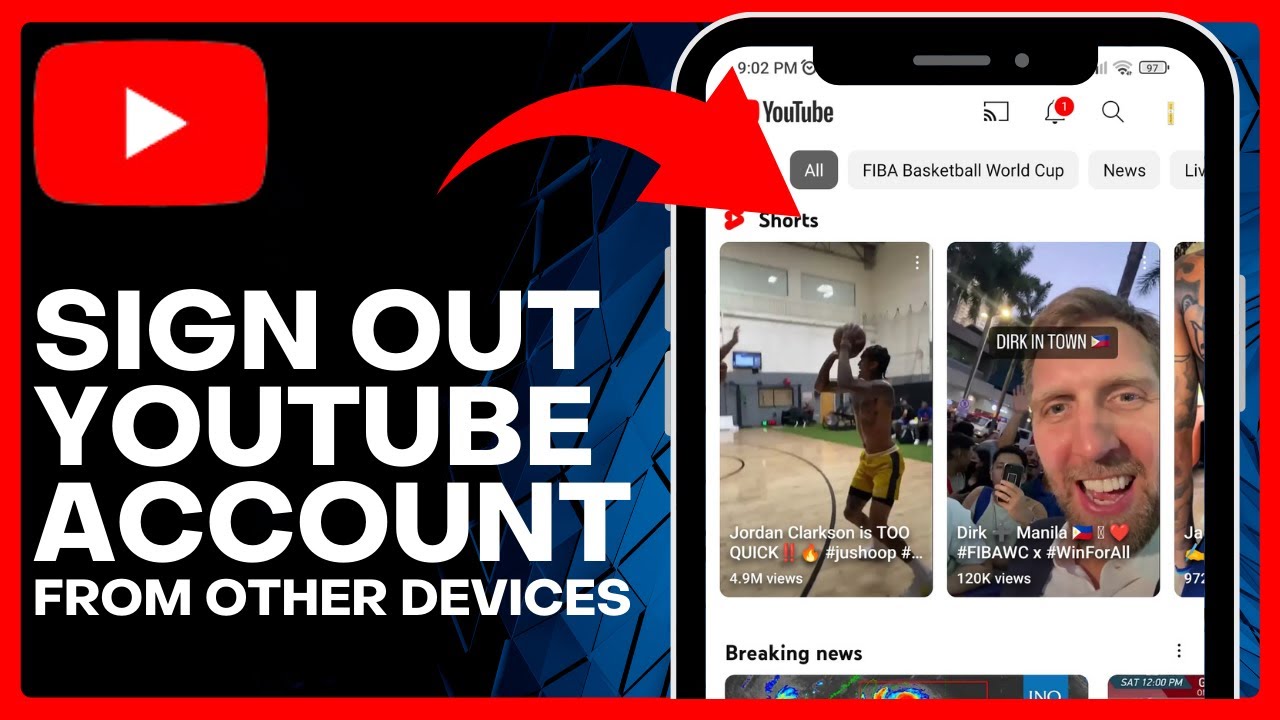
How to SIGN OUT on YouTube Account from ALL Other Devices (Easy Tutorial)

fasttechfixteams@gmail.com March 30, 2026


How to SIGN OUT on YouTube Account from ALL Other Devices (Easy Tutorial) => Watch On YouTube

Easy Steps: How to Sign Out of YouTube on Other Devices

Hey everyone, welcome back! Ever wondered if you’re still logged into your YouTube account on an old phone, a friend’s tablet, or even a public computer? Keeping your accounts secure is super important, and signing out from devices you no longer use is a great way to protect your privacy and data. In this quick guide, we’ll walk you through exactly how to sign out your YouTube account from any other device, directly from your phone.

Here’s how to do it:

  1. Open Your YouTube App: First things first, grab your phone and open up the YouTube app.
  2. Tap Your Profile Icon: Look for your profile picture in the top-right corner of the screen and give it a tap.
  3. Go to ‘Manage Your Google Account’: From the menu that pops up, select "Manage your Google Account." This will take you directly to your broader Google settings.
  4. Navigate to the ‘Security’ Tab: Within your Google Account settings, you’ll see several tabs at the top (like Home, Personal info, Data & privacy, etc.). Swipe right until you find and tap on the "Security" tab.
  5. Find ‘Your Devices’: Scroll down the Security page until you see a section titled "Your devices." This is where you’ll find a list of all the devices currently logged into your Google account (which, of course, includes YouTube).
  6. Tap ‘Manage All Devices’: Below the list of devices, you’ll see an option to "Manage all devices." Tap on this to see a more detailed overview of all connected devices.
  7. Choose the Device to Sign Out: Now you’ll see a complete list. Scroll through and identify the specific device you want to sign out from.
  8. Tap ‘Sign Out’: Once you’ve selected the device, you’ll see a "Sign out" button. Give it a tap.
  9. Confirm Your Action: A confirmation message will appear, explaining that this action will remove access to your Google account from that device. To proceed, tap "Sign out" one more time.

And just like that, you’ve successfully signed out of your YouTube account on that specific device! You can repeat these steps for any other devices you wish to disconnect. It’s a simple yet effective way to maintain control over your digital footprint and keep your account secure.

If this guide helped you out, don’t forget to hit that like button and subscribe to our channel for more helpful tech tips! Make sure to ring the notification bell too, so you won’t miss our next video.

Facebook X.com LinkedIn Instagram Pinterest More

Share this content

Social Media

Facebook X.com Reddit Tumblr Snapchat VKontakte Odnoklassniki Weibo QQ Douban Baidu Digg StumbleUpon Flipboard Mix

Professional

LinkedIn Slack Zoom XING Behance Dribbble

Messaging

WhatsApp Telegram Microsoft Teams Messenger Viber Line WeChat SMS Kik Threema Signal

Visual

Pinterest Instagram

Communication

Email

Bookmarking

Pocket Evernote Instapaper

Developer

GitHub GitLab Stack Overflow Dev.to Hacker News

Gaming

Discord Twitch

Video

YouTube TikTok

Publishing

Medium WordPress Blogger

Entertainment

Spotify SoundCloud

Academic

Mendeley ResearchGate Academia

Finance

Coinbase

Shopping

Amazon eBay Etsy

Lifestyle

Foursquare Yelp

Utility

Copy Link Print QR Code
#how to
#how to logout facebook on other devices
#how to logout of youtube
#how to logout youtube account from other devices
#how to remove youtube account from other devices
#how to signout youtube account from other devices

Post navigation

Previous: How To Get Verified On Threads 2025
Next: How To FIX Instagram Pop Ups Not Showing Up! (Easy)

Recent Posts

  • How to Buy PEPE Coin on Binance 2024 | Buy or Sell PEPE Coin in Binance
  • How To Use Coins On Aliexpress (Step By Step Tutorial)
  • How To Delete Discord Account 2025
  • The Ultimate Guide: How to Create DISCORD Account on MOBILE in 2024
  • How to Connect TikTok to Facebook 2025

Recent Comments

No comments to show.

Archives

  • April 2026
  • March 2026

Categories

  • Uncategorized
© 2026 fasttechfix.com. All Rights Reserved. | Blog Build by Wp Theme Space.
Facebook X.com LinkedIn Instagram Pinterest

Share this content

Social Media

Facebook X.com Reddit Tumblr Snapchat VKontakte Odnoklassniki Weibo QQ Douban Baidu Digg StumbleUpon Flipboard Mix

Professional

LinkedIn Slack Zoom XING Behance Dribbble

Messaging

WhatsApp Telegram Microsoft Teams Messenger Viber Line WeChat SMS Kik Threema Signal

Visual

Pinterest Instagram

Communication

Email

Bookmarking

Pocket Evernote Instapaper

Developer

GitHub GitLab Stack Overflow Dev.to Hacker News

Gaming

Discord Twitch

Video

YouTube TikTok

Publishing

Medium WordPress Blogger

Entertainment

Spotify SoundCloud

Academic

Mendeley ResearchGate Academia

Finance

Coinbase

Shopping

Amazon eBay Etsy

Lifestyle

Foursquare Yelp

Utility

Copy Link Print QR Code